
Draft - SideNotes.
Quick notes, right in your sidebar.
A minimalist notepad integrated directly into Chrome's Side Panel. Organize with folders and tags, write in Markdown, and keep everything local.
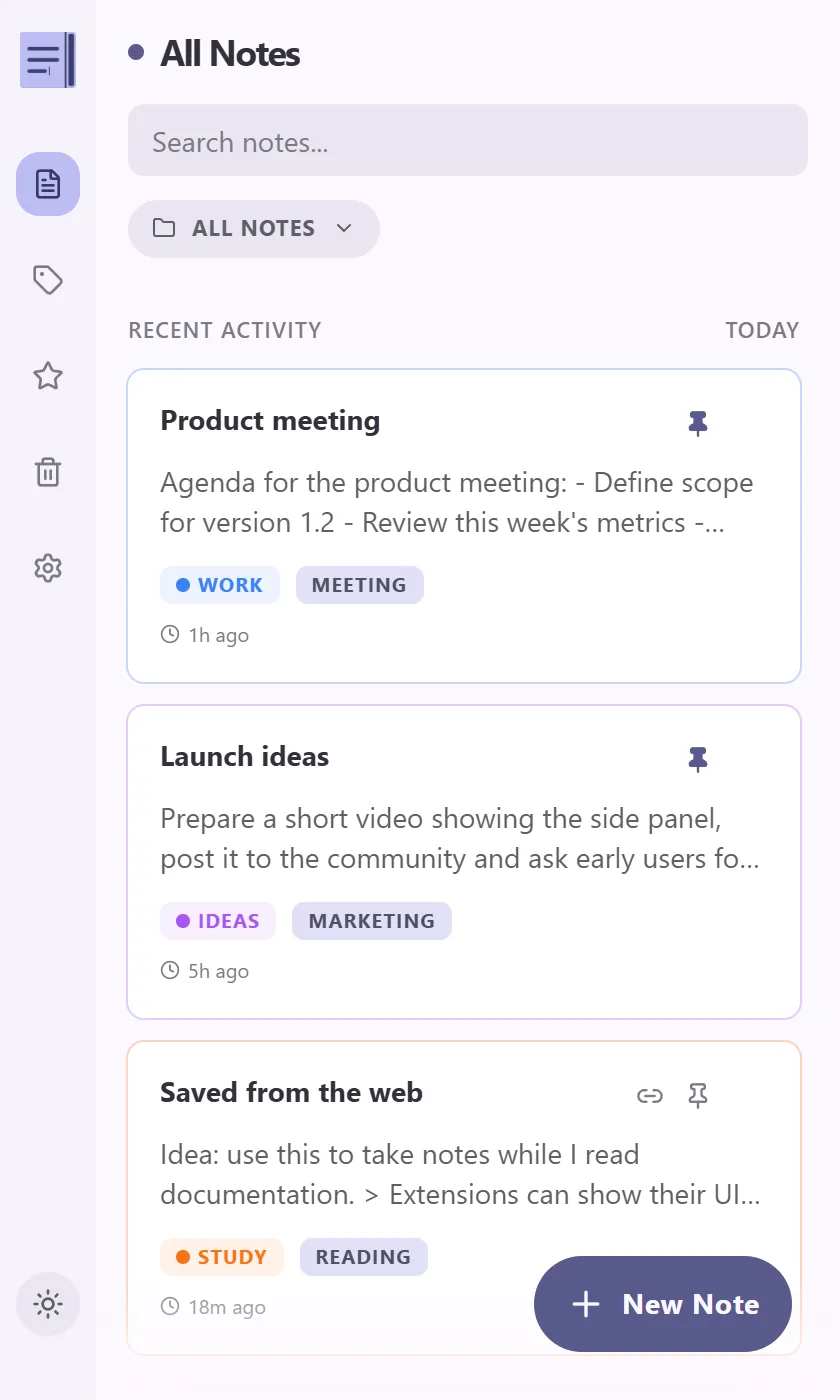
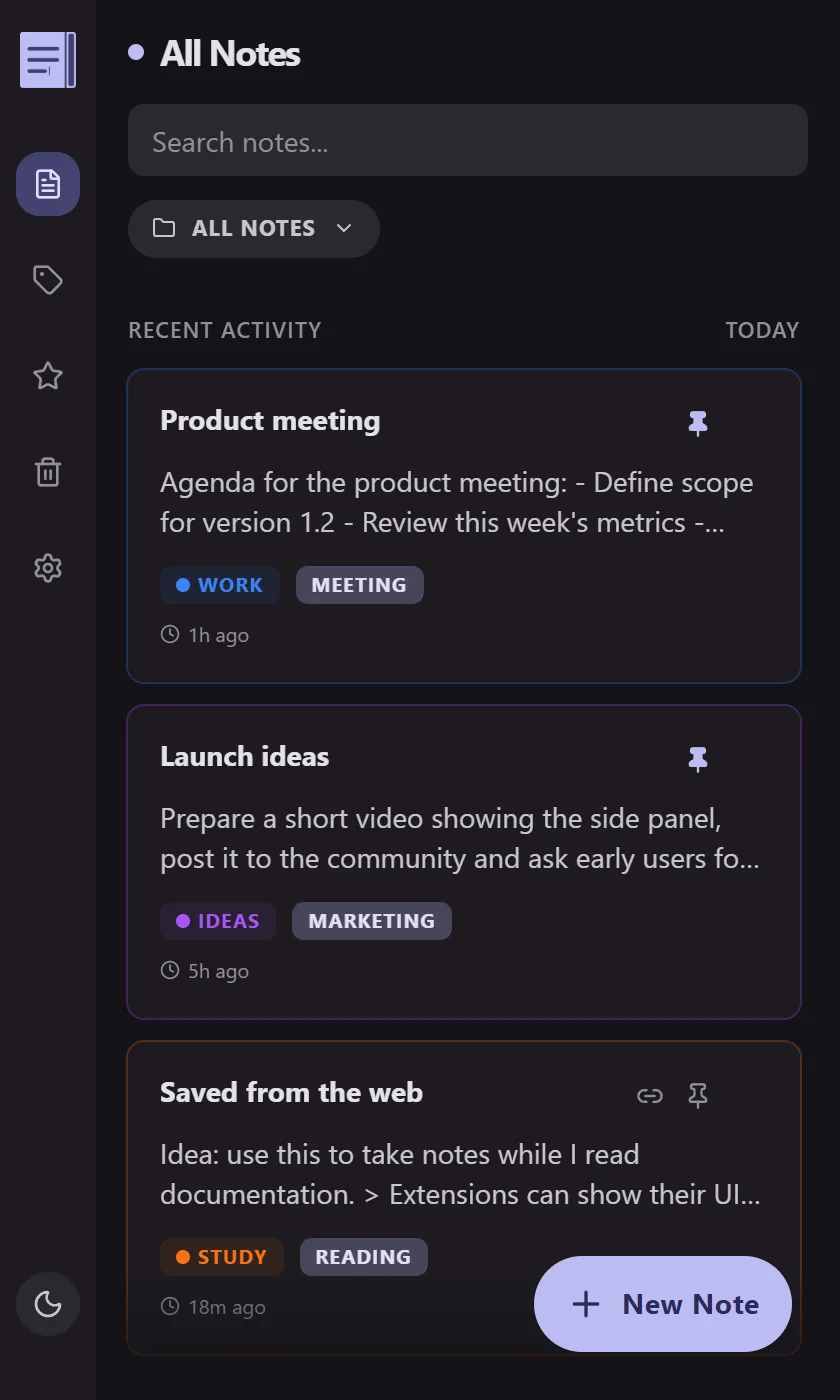
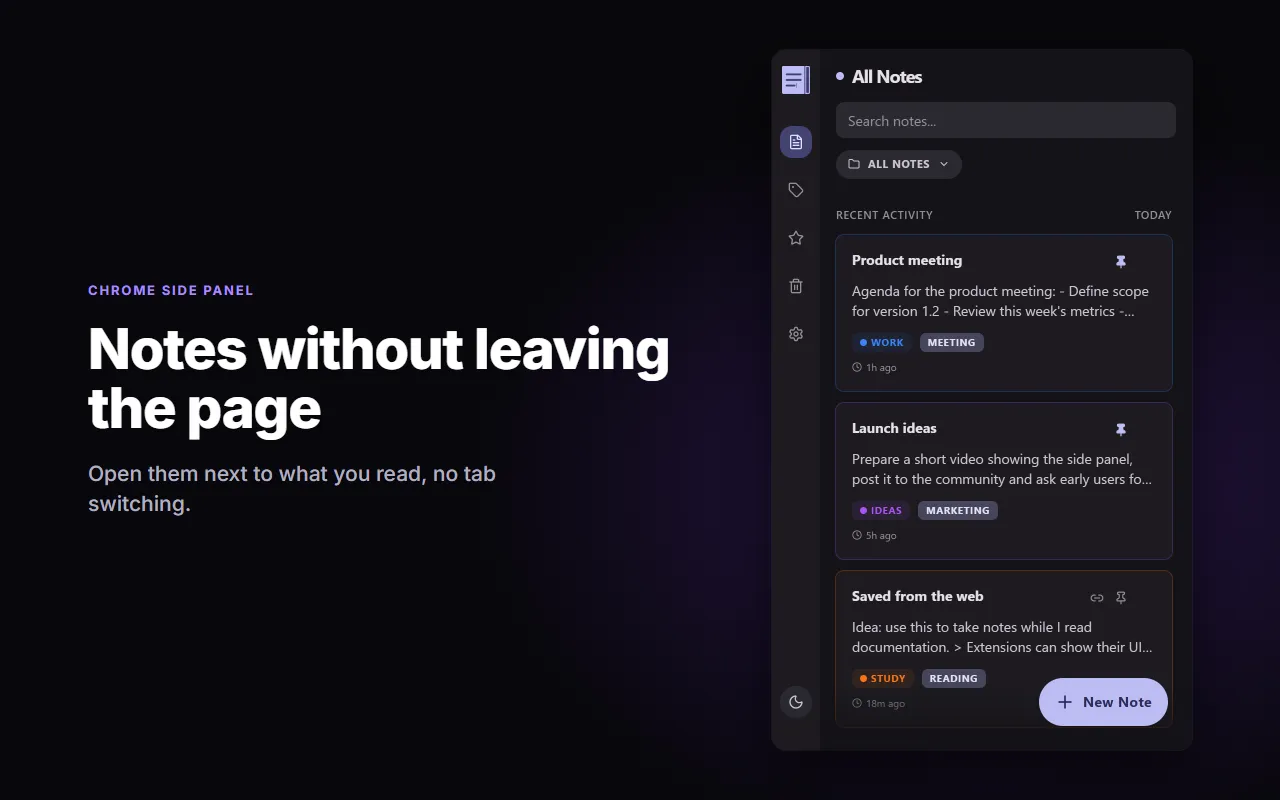
Every notes app I tried leaned on popups and floating windows that got in the way of whatever I was reading. I wanted something different, and better looking: a notepad that lives quietly in the side panel.
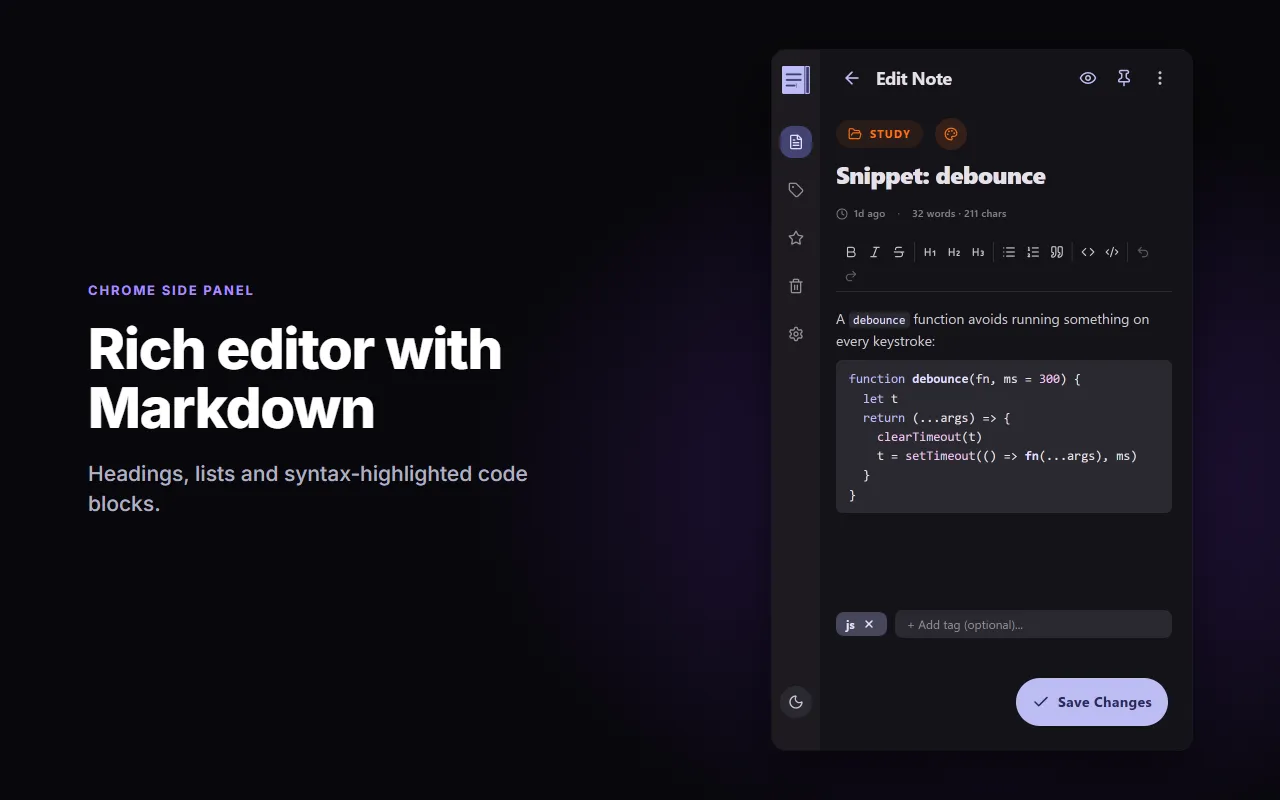
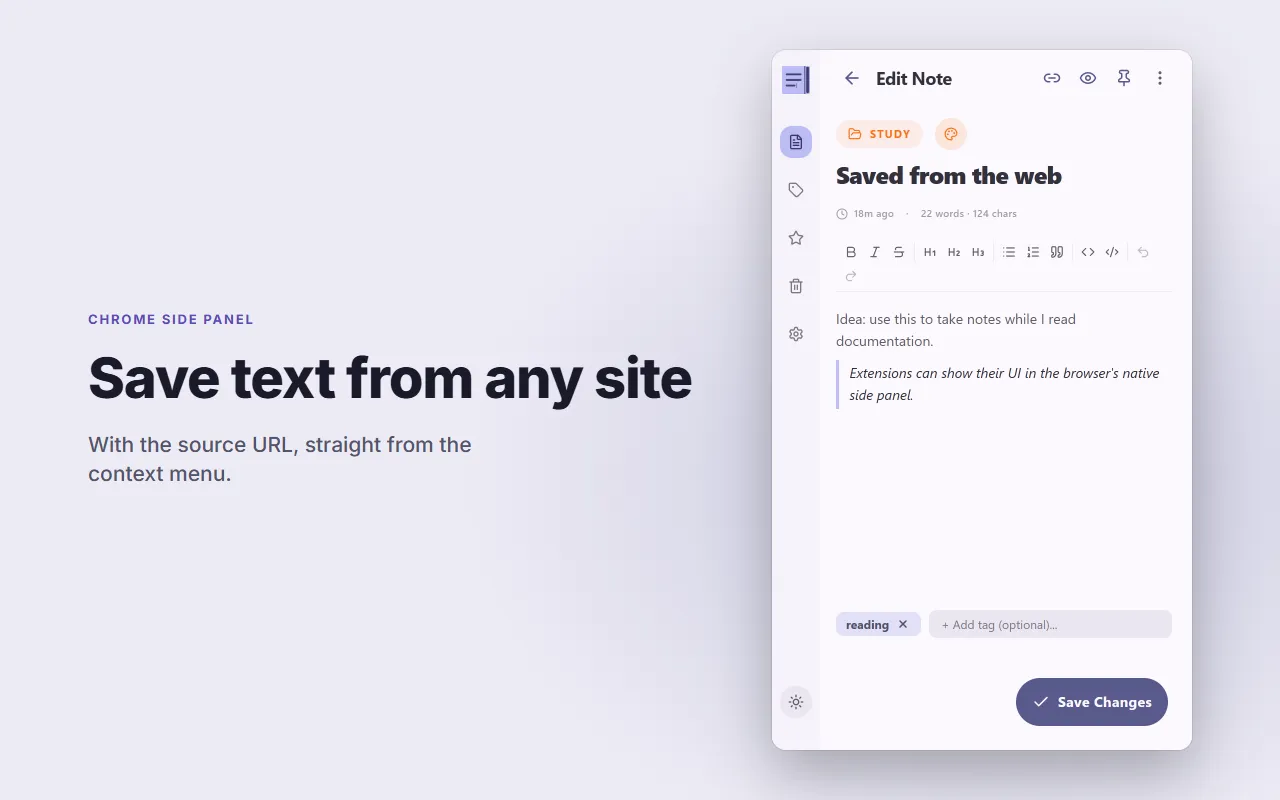
Write in Markdown with a TipTap-powered editor — headings, code blocks, links, and more.
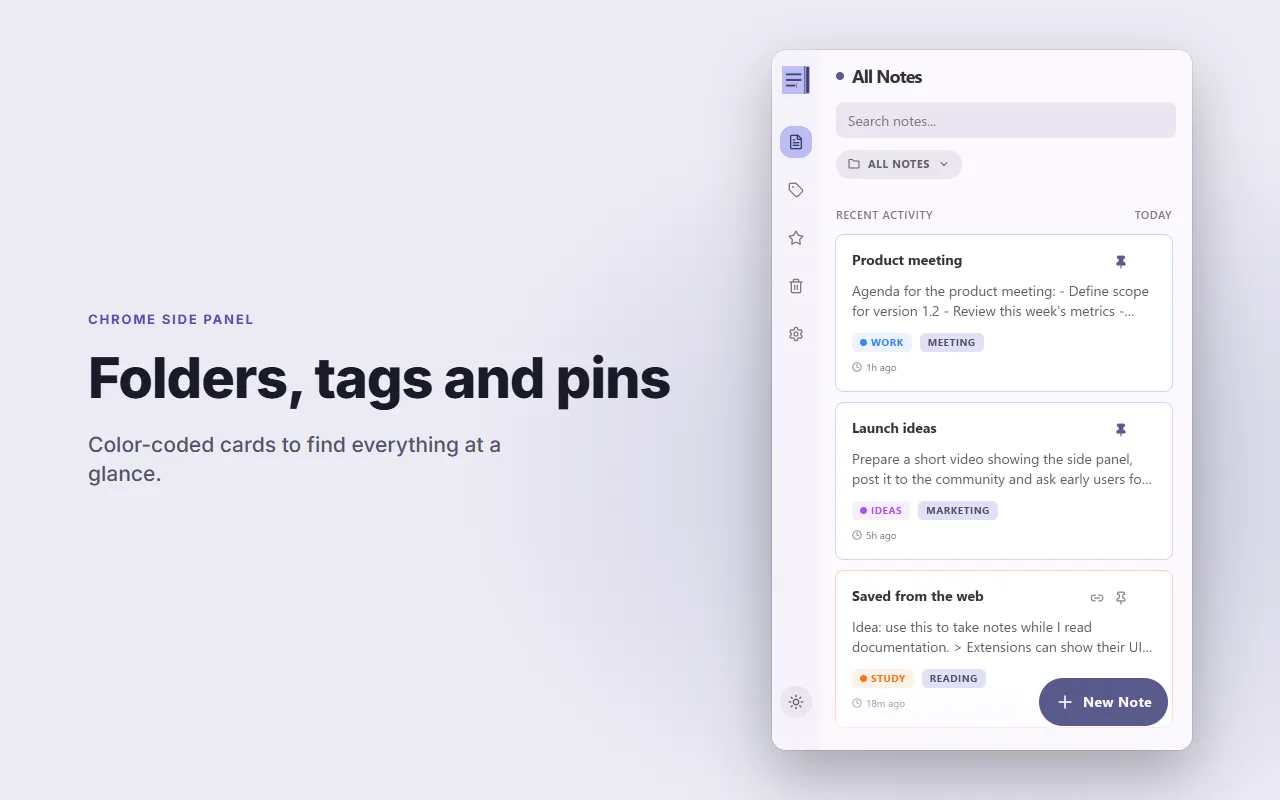
Organize notes into color-coded folders for fast visual navigation.
Tag notes freely and search across titles, content, and tags — with a global tag view.
Pin the notes you use most, filter by folder or tag, and find anything in seconds.
Configurable autosave plus `Ctrl/Cmd+S` for a manual save whenever you want it.
Select text on any page and send it straight into a note from the right-click context menu.
- 01 Open the side panel
Use the `Alt+Shift+S` shortcut or click the extension icon to open your notes in Chrome's native Side Panel.
- 02 Organize as you go
Create folders with a color and icon, tag notes freely, and move things around to keep your space clean.
- 03 Everything stays local
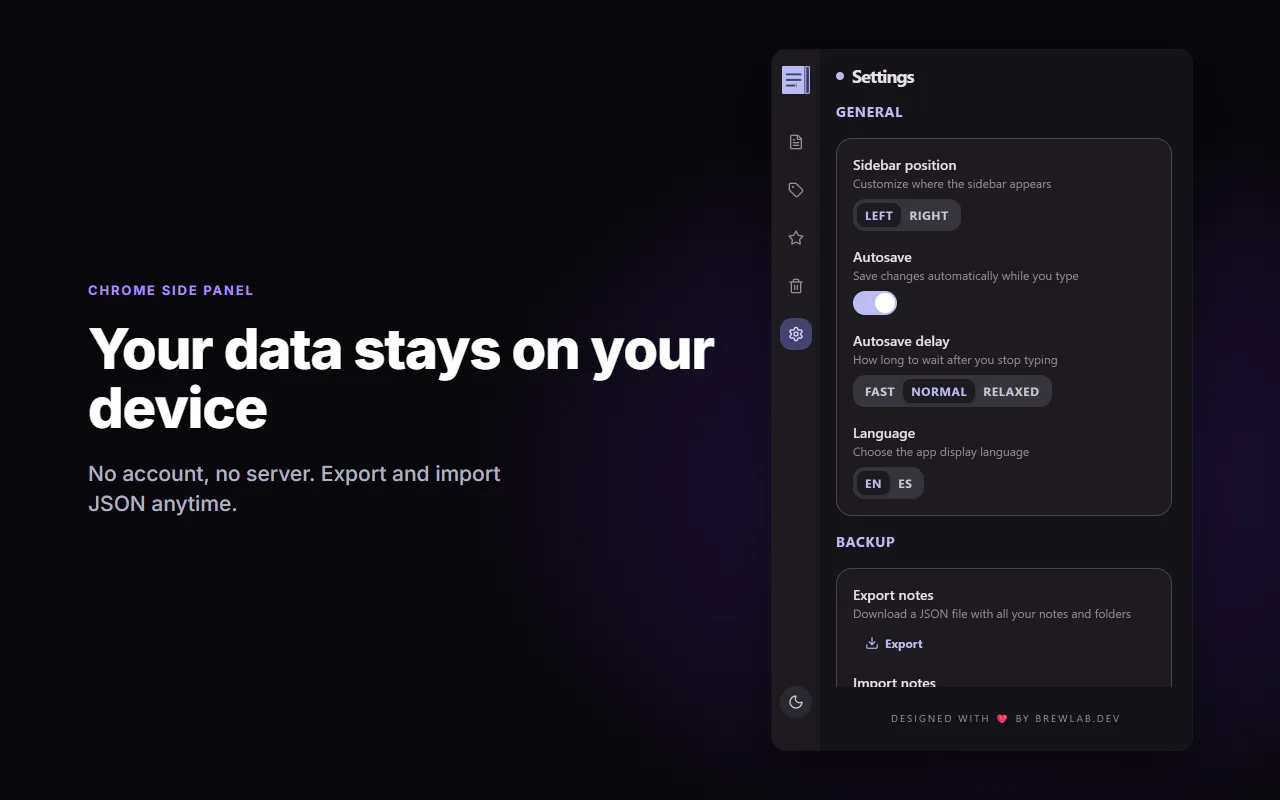
No account, no server. Notes live in `chrome.storage.local` on your machine, with import/export to JSON whenever you want a backup.
- storage
To save your notes, folders, and settings locally and securely in the browser.
- sidePanel
To open the extension in Chrome's native Side Panel instead of a floating popup.
- contextMenus
To let you send selected text from any page straight into a note.
- unlimitedStorage
So long or numerous notes don't fail to save under the standard 10 MB quota.
- activeTab
To read the current tab's title and URL only when you use "Save to Draft".
The pitch
Draft - SideNotes isn’t trying to be a complex knowledge manager. It’s the place where your ideas land while you browse — right in Chrome’s own sidebar, not floating over the page.
No accounts, no servers, no sync. Just you and your notes, exactly where you need them.
Keyboard shortcut
Alt+Shift+S— toggle the sidebar.Ctrl/Cmd+S— manual save (autosave already has you covered).
Privacy by design
Unlike most note extensions, Draft - SideNotes never sends your data anywhere. Everything lives in chrome.storage.local on your machine — no cloud, no account, no telemetry. Import/export to JSON gives you a manual backup whenever you want one.
Why the native side panel
We lean on Chrome’s Side Panel API so your notes don’t float over the content — they live in a dedicated space that doesn’t interrupt your reading or mess with the layout of the sites you visit.
- Rich Markdown editor built on TipTap.
- Folders with color/icon and global tags view.
- Trash with 30-day retention and undo.
- Configurable autosave, pin, search, and filters.
- JSON import/export, light/dark/auto theme, EN/ES.